AI Agents
          • # 24/7 Call Answering
          • # Calendar Bookings
          • # Transcripts & Summaries
          • # Urgent Call Routing
          • # CRM Follow Up

AI Receptionist

AI Agents
          • # 24/7 Call Answering
          • # Calendar Bookings
          • # Transcripts & Summaries
          • # Urgent Call Routing
          • # CRM Follow Up
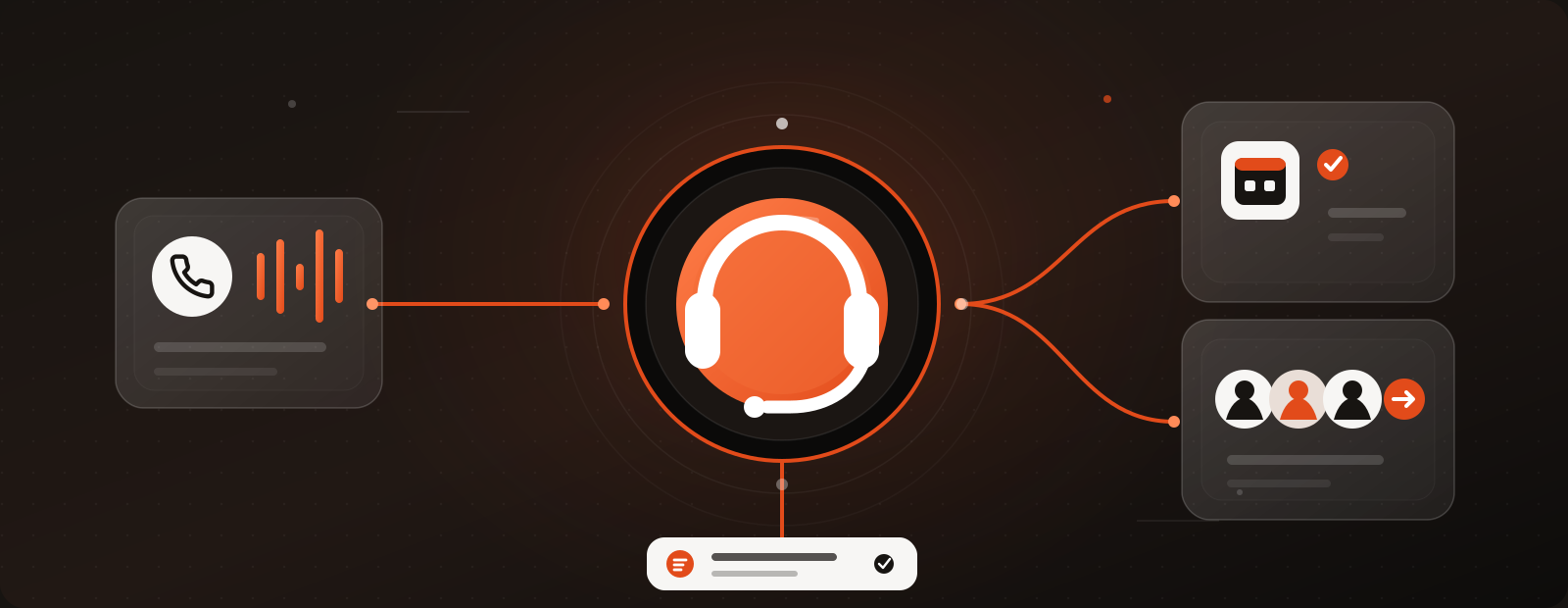
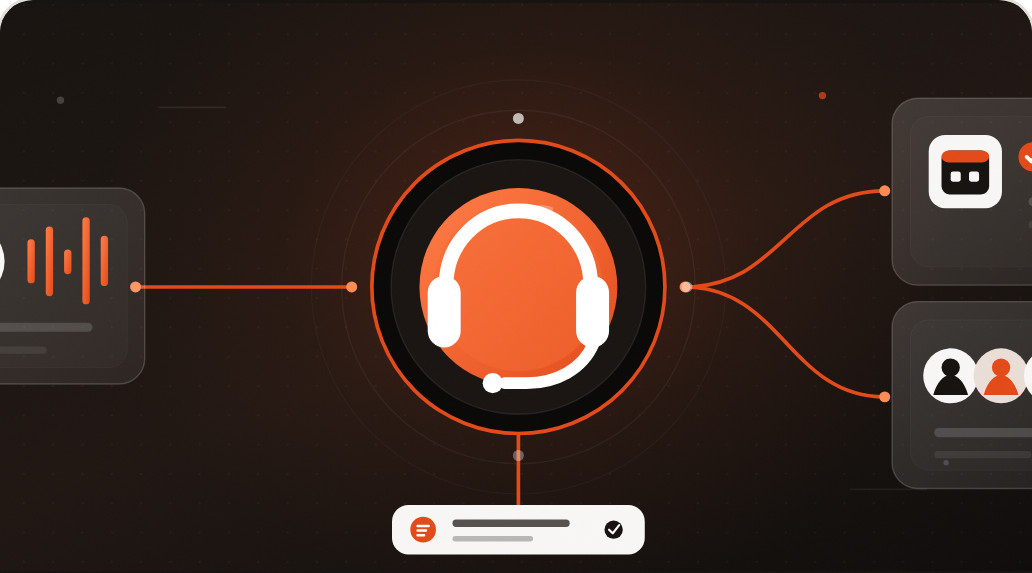
Keep your phone working when your team is unavailable. The AI Receptionist can answer routine calls, capture caller details and help move each caller to the right next step.

Lost calls can be lost customers

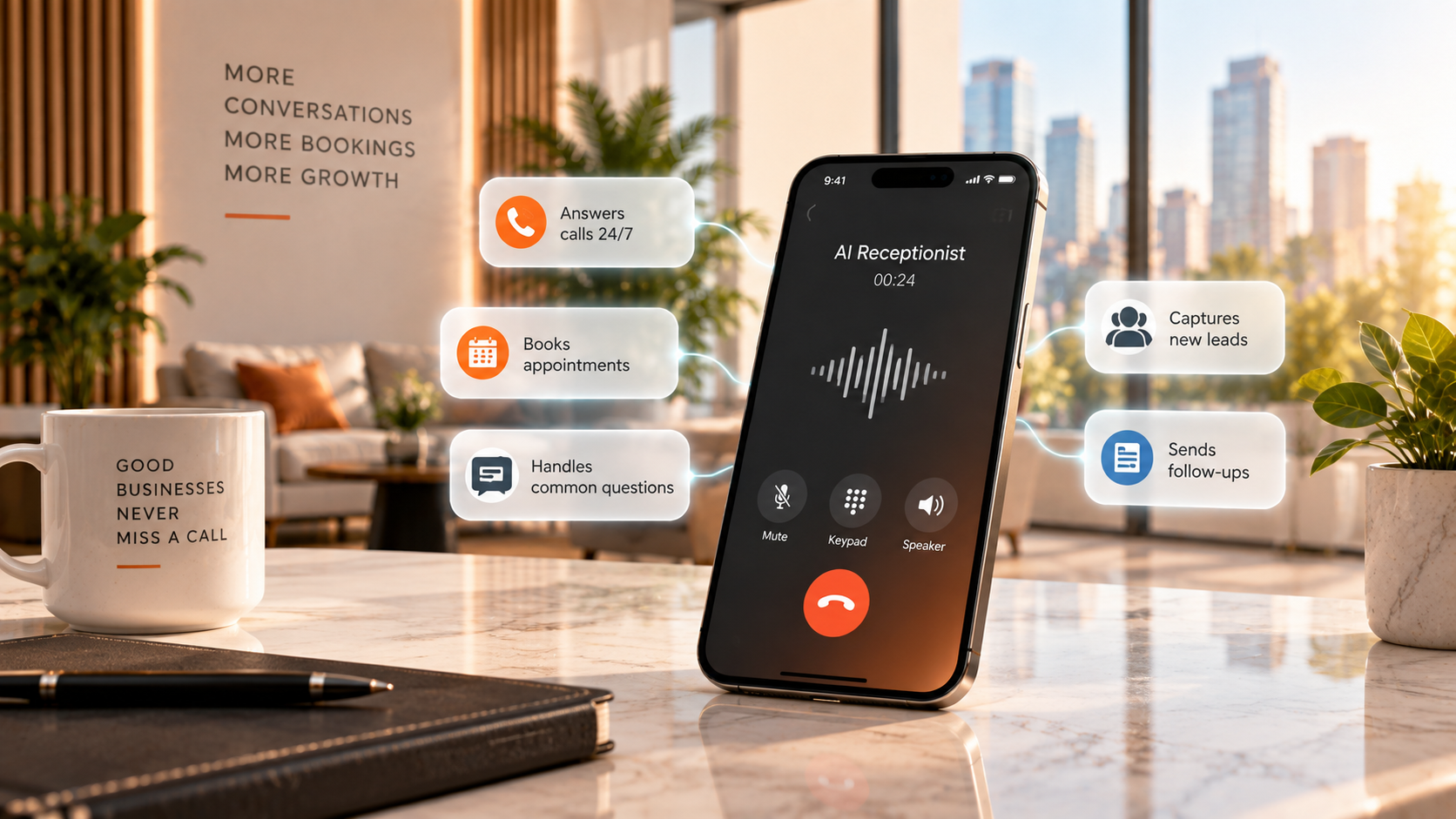
Customers call when they need you, not only when your office is open. Your AI Receptionist can answer around the clock using your business information, so callers can get an answer, book an appointment or leave the right details even when your team is busy.

What happens when someone calls

The caller should not have to think about the technology. They ask a question, get help and move to the next step.
0:00
The call comes in

The AI Receptionist answers in a natural voice and listens to what the person needs.

ReceptionistThanks for calling. How can I help you today?
CallerHi, I'd like to book an estimate for next week.
Listening
0:24
It handles the routine part

It can answer common questions, collect details and check your calendar or booking rules.

ReceptionistI can do that. Tuesday at 2:30 pm is open. Does that work for you?
CallerPerfect, that works.
Checked your calendar
1:31
The right next step happens

The caller can be booked, transferred to your team or leave a clear message for follow up.

ReceptionistYou're booked for Tuesday at 2:30 pm. I've passed your details to the team.
BookedTransferredMessage left
An example call. The greeting, the questions it asks, your booking rules and the point where a human takes over are all set up around your business.

What it can handle

We set it up around your services, hours, booking rules and the way your team wants calls handled.
01

Answer calls 24/7

Give callers a fast, natural response even when your team is with a customer, driving or finished for the day.
Why it matters: Fewer calls end in voicemail or go unanswered.
02

Book appointments

Connect the receptionist to Google, Outlook, Calendly or your booking tool so interested callers can move straight to an available time.
Why it matters: Less back and forth while interest is still high.
03

Answer common questions

Hours, services, pricing, directions and other routine questions can be answered using your business information.
Why it matters: Your team spends less time repeating the same answers.
04

Hand over when a human is needed

Urgent, sensitive or more complex calls can be routed to your team or captured clearly for a callback.
Why it matters: Automation supports your people instead of trying to replace them.
05

Save the conversation

Caller details, full transcripts and AI generated summaries can be captured so your team knows what happened.
Why it matters: Less information gets lost between the call and the follow up.
06

Keep follow up moving

Connect calls with your CRM and follow up workflow so the caller has a clear next step.
Why it matters: A captured lead is more useful when someone knows what to do next.

It does not replace your team

The technology should stay in the background. The goal is to handle repetitive calls, capture opportunities and make sure customers get a response.

Your team steps in when a conversation needs judgement, expertise or a personal touch.
Let your people focus on the calls that need people. Routine questions and bookings can be handled first, while urgent, specialist or more personal conversations reach your team.

How we set it up

We keep the setup practical and tailor the receptionist to the way your business already works.
01

Learn your business

We start with your services, hours, pricing, common questions, booking rules and the situations your team wants to handle personally.
02

Train the receptionist

We give it the information and tone it needs so callers get clear answers that fit your business.
03

Connect the tools

We connect the phone flow, supported calendar, CRM and follow up steps needed to capture each call properly.
04

Test and improve

We test routine, urgent and more complex call situations, then refine the setup before and after launch.

What your team sees after the call

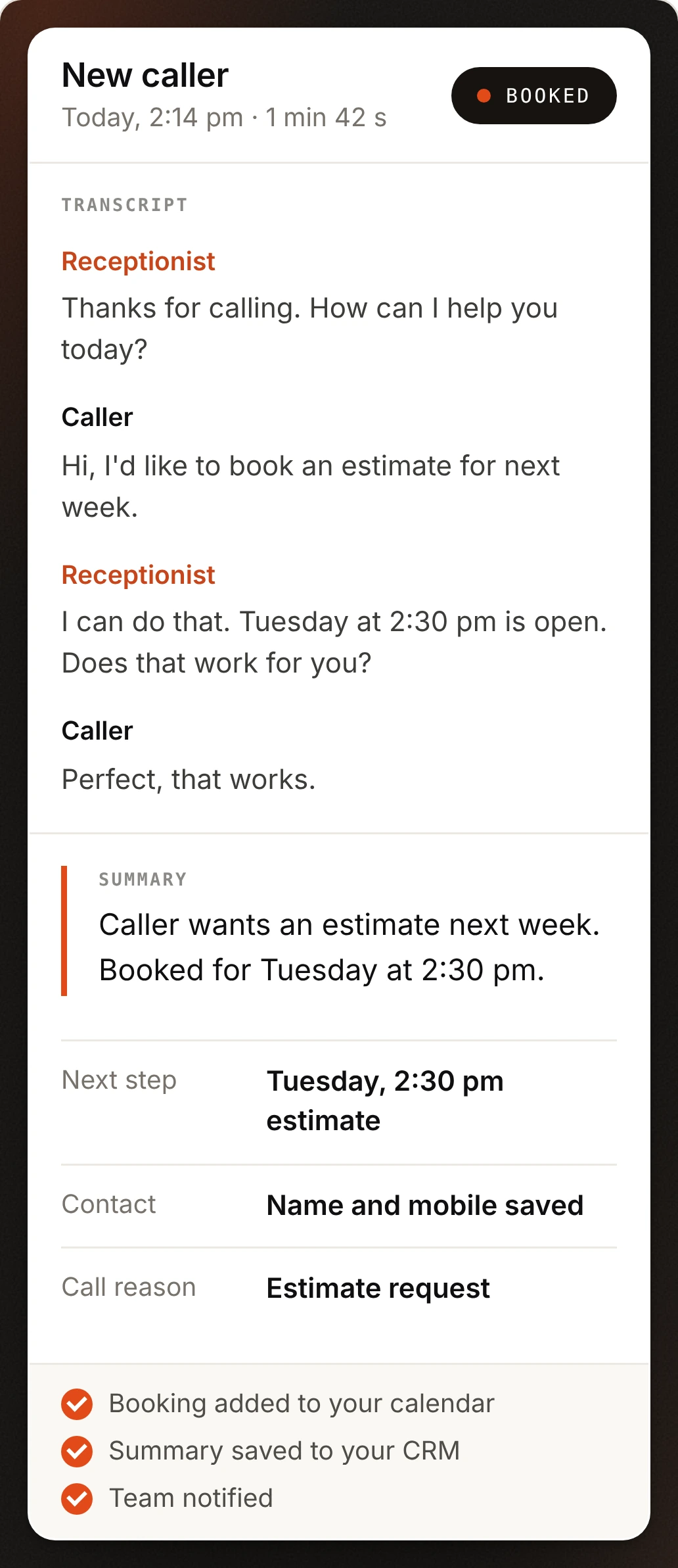
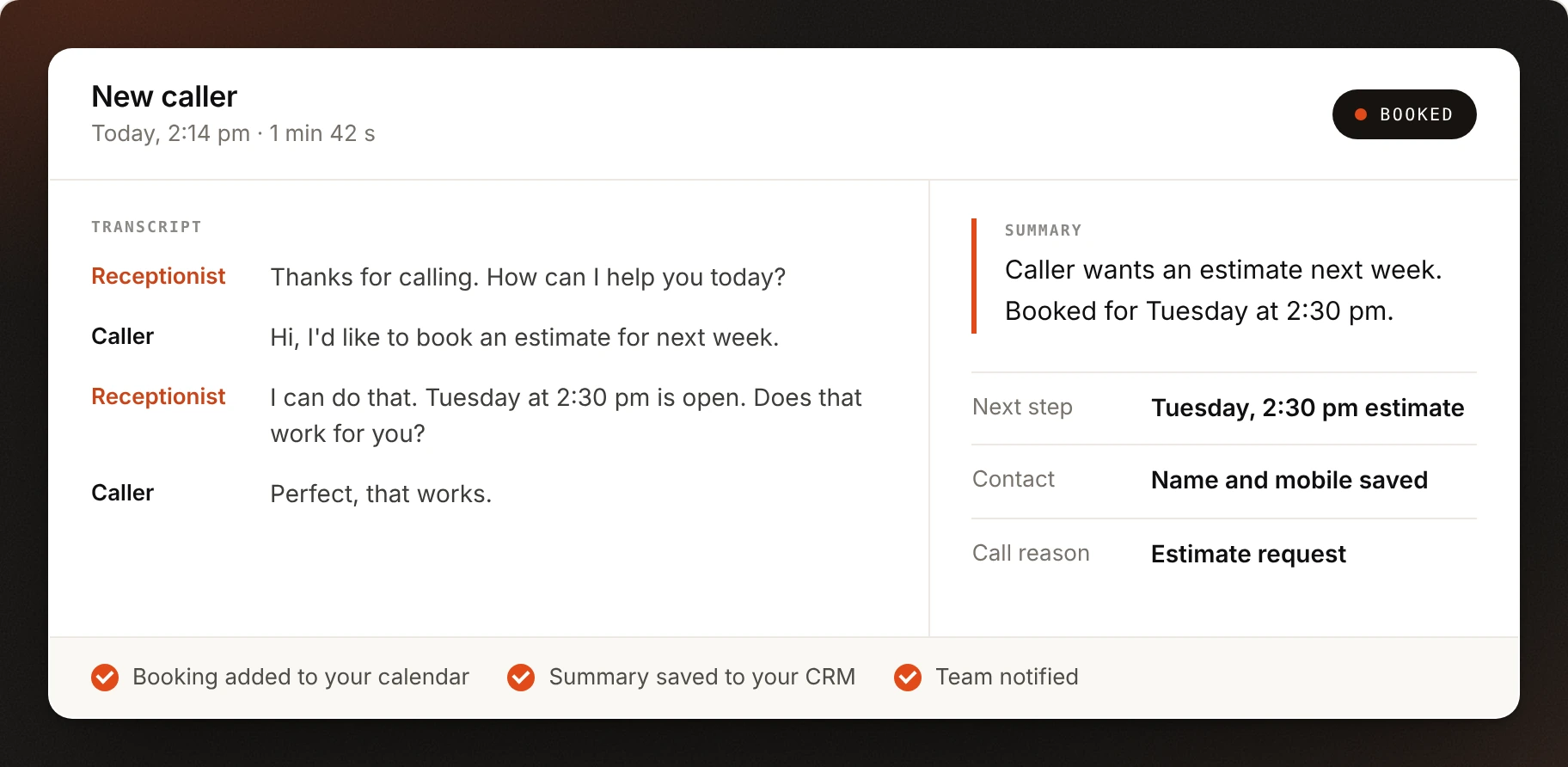
After every call, your team should have a clear record of what happened and what needs to happen next.
One call becomes a clear record. This is an example. Your team sees the question, the outcome and the next step without trying to remember a voicemail.

Where it works best

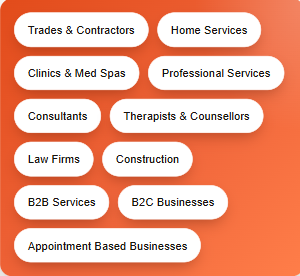
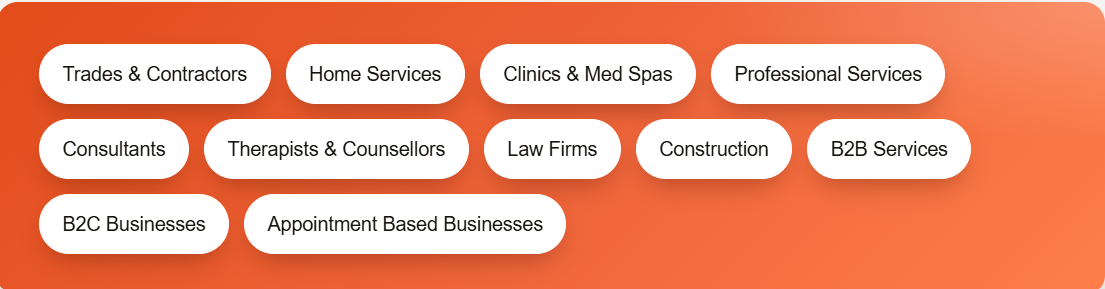
Best for businesses where calls often lead to questions, quotes, consultations, bookings or service requests.
One profile, two jobs. Google uses it to understand your business. Customers use it to decide whether to contact you.

What lands in your inbox every month

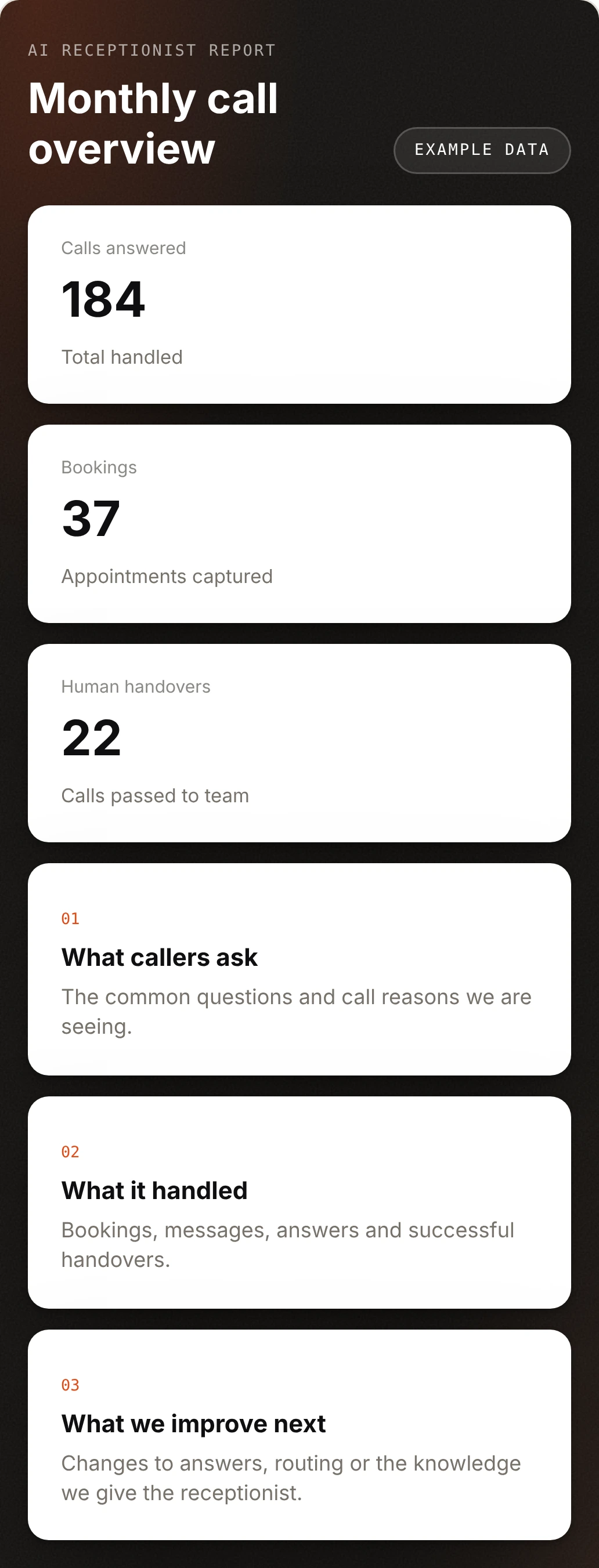
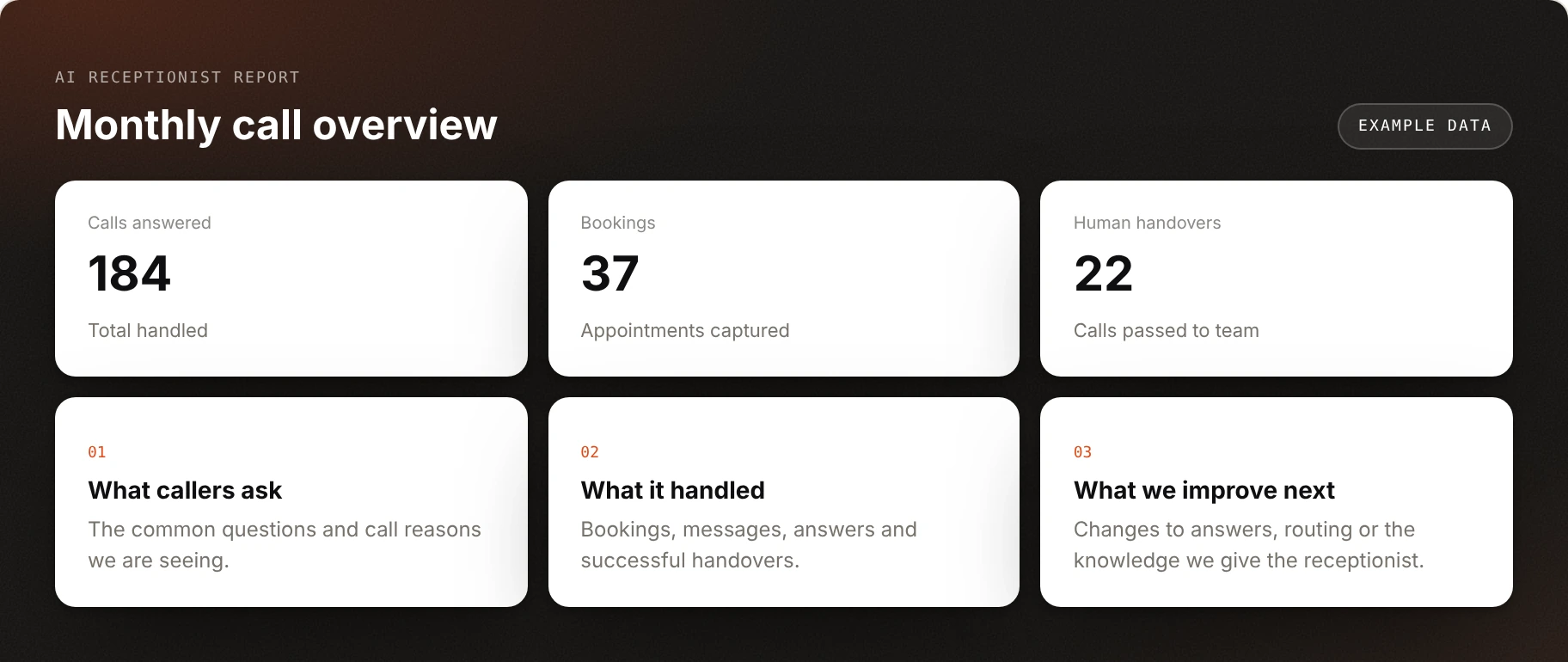
Complete documentation of calls answered, bookings, handovers and the questions customers are asking.
Reporting should be easy to understand. The numbers above are example data. Your report should show what happened and what we are changing next.

The Rest of the Stack

FAQ

Questions Answered.

Everything you might want to know about our AI Agents.

1
What do you need from me to set it up?
Your services, hours, service area, how you talk about pricing, the questions callers ask most, your booking rules and how you want urgent calls handled. Most of this comes out of one onboarding conversation. We build the receptionist from there and check it with you before launch.
2
Can it work with my current phone number and system?
Usually, yes. The setup depends on your current phone system and how you want calls routed: every call, overflow when nobody picks up, or after hours only. We confirm what your setup supports during onboarding and build the call flow around it.
3
What does it cost?
Pricing depends on call volume and the integrations you need. Book a call and we will scope it with you and give you a clear quote.
4
Will callers know they are speaking to AI?
The receptionist can introduce itself in the way you choose. The goal is a clear, helpful conversation, not pretending to be a human.
5
Can it book appointments?
Yes. It can connect with supported calendar and booking tools such as Google, Outlook or Calendly, follow your booking rules, and move a caller to an available time without waiting for a callback.
6
What happens if a call is complicated or urgent?
We set rules for when a call should be transferred. Urgent, specialist or sensitive conversations can go straight to your team. If nobody is available, it takes a detailed message, flags it and your team follows up.
7
What does my team get after each call?
A transcript, a short summary, the outcome, the next step and the caller's details, delivered to your inbox or CRM. The example above shows what a call record looks like.
8
Can it make outbound calls too?
No. The AI Receptionist handles incoming calls. Outbound follow-up calls to leads and customers are handled by the AI Sales Agent.

Still have questions?

Talk them through with our team on a quick call.

Every call answered. More appointments booked.

See how an AI Receptionist would work for your business. Book a demo and we'll show you how it answers, books and follows up, set up around your services, hours and booking rules.
Incoming callYour next customerCalling now